
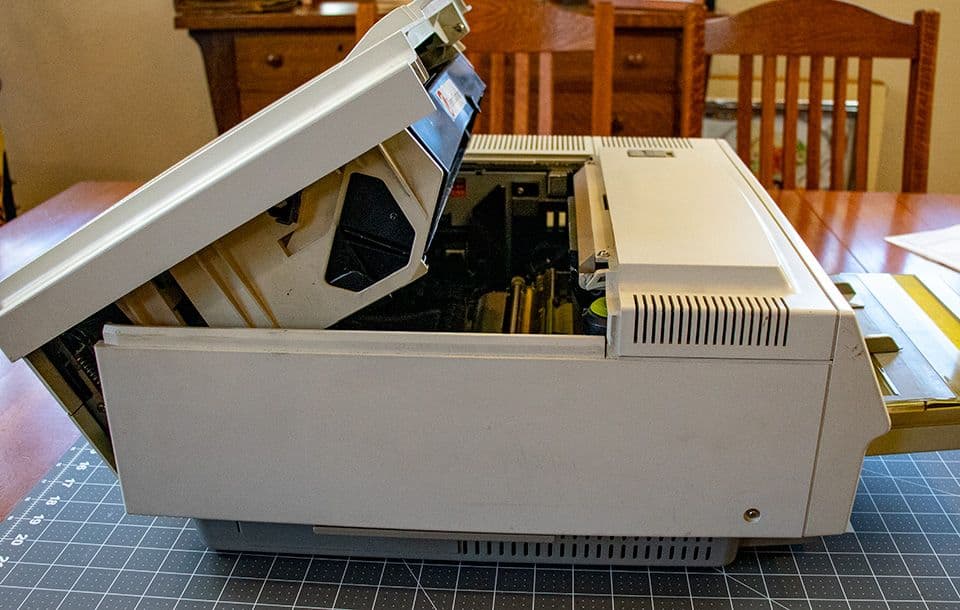
When working on older printers you will often encounter cryptic error codes. These are the most common ones I encountered on HP II and III series printers. Many of these codes have remained unchanged to this day on HP printers.
| Error Code | Error Description | Things to Check or Try |
|---|---|---|
| 13 | Paper Jam | Check where paper stopped in the printer. If paper did not feed check feed tire and paper feed PCA |
| 14 | No Toner Cartridge | Check toner for 1 or 2 tabs that contact switches on paper control PCA |
| 20 | Memory | Usually caused by sending too large of a print job. Added RAM is needed for full page graphic on LJ II |
| 21 | Job too Complex | Add RAM and enable page protect |
| 40 | Data Transfer | Check cable and communication with computer |
| 41 | Laser Scanner | Check laser scanner and Fiber Optic Cable |
| 41.1, 41.2, 41.3 | Paper Size | Check that paper size matches printer settings |
| 41.4, 41.5 | SC Controller | DC Controller or Formatter Board |
| 50 | Fuser | Fuser (Usually) or AC Power Supply. This is the most common error on these machines |
| 51 | Beam Detect | Bad Toner, Bad Scanner to DC Controller Cable, Bad Fiber Optic Cable, Bad Laser Scanner |
| 52 | Scanner Speed | Bad Scanner to DC Controller Cable, Bad Laser Scanner |
| 53 | Accessory Memory | Bad add on memory |
| 54 | Duplex | Error feeding 2-sided page. IID & IIID Only |
| 62.x | Accessory | Font Cartridge or add on Memory |
| 69 | I/O Error | Add on I/O option or Formatter Board |